
Free resources
Everything here is free
Games, gentle exercises, checklists and guides, plus quick answers to common questions. Fill them in on screen, save and print. No sign-up, and what you type stays on your device. Choose a picture to find out more.

Quick answers
Short, sourced answers to the questions we’re asked most. Choose a picture to read one.
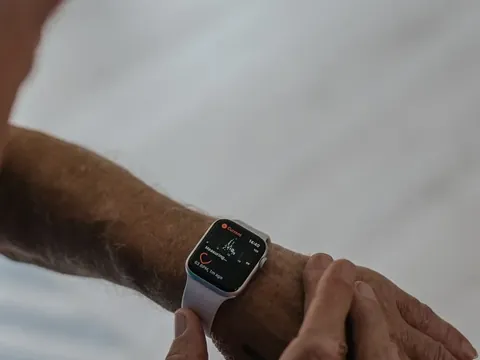


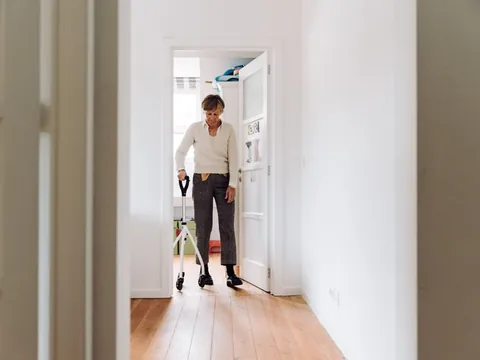
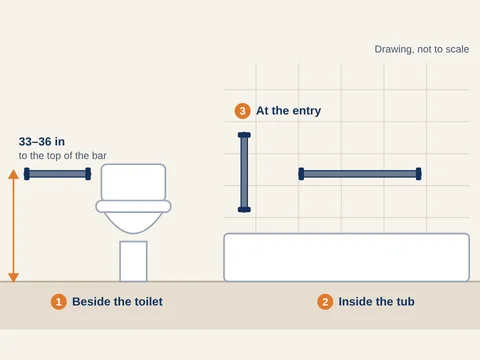
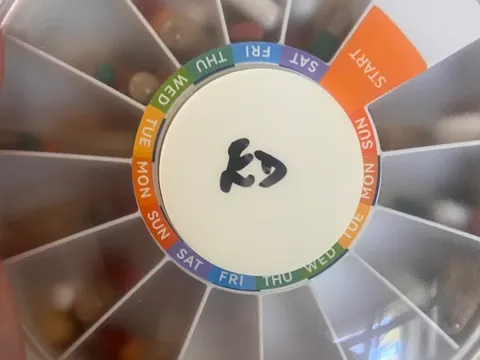




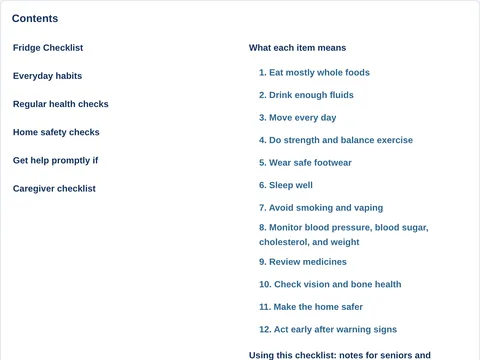
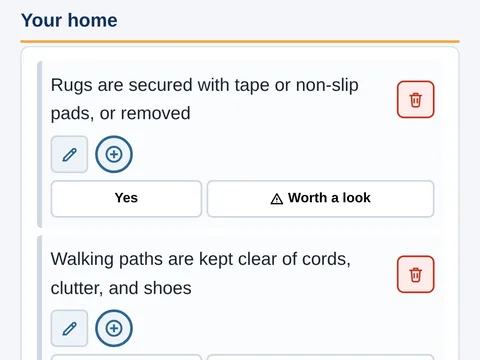
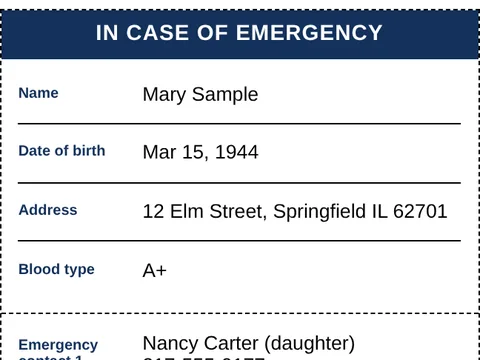
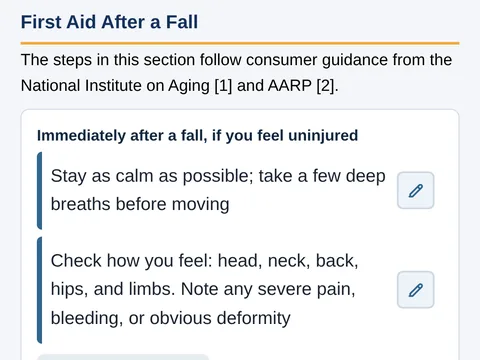
Real screens from our free resources, shown with a fictional person. Photographs are illustrative.
We recommend the free Independent Seniors Toolkit
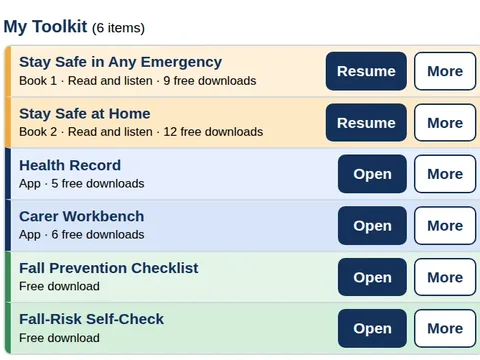
We recommend using our free Independent Seniors Toolkit, which we designed especially to be easy for seniors to use. It keeps all your Independent Seniors books and everyday tools in one place, so you simply click a button to open a book, a tool or any of our free resources. It also installs all the free updates on your device with just a click of a button. Everything in it is kept on your device, so it works without the internet, and your Toolkit backup keeps what you type.
For every Stay Safe book, the Toolkit opens the book at the place where you stopped reading, so there is nothing to remember. If your book includes the audio (the Read and Listen edition), the Toolkit plays that too: the author reads the book aloud, the words being read are highlighted as you go, and the Slower and Faster buttons let you slow the reading down or speed it up.
To add a free resource, press Add it to my Toolkit below, or choose it from the Toolkit’s Free downloads list. Prefer not to use the Toolkit? You can also open any free resource on its own: press Open it on its own.
Get started with your free downloads
Install our free Toolkit
It is where your free resources are kept, ready to open with a click: open the Independent Seniors Toolkit.
Make it easy to find
The first time it opens, the Toolkit offers Make your Toolkit easy to find. Click Set up easy access to put an icon on your Home Screen or computer, so you can open your Toolkit with one tap next time.
Keep an automatic backup
It then offers Keep an automatic backup of your Toolkit? Click Choose a folder and choose your Documents folder (or click Use my Downloads folder instead). The backup there is then kept up to date by itself.
Find the second box
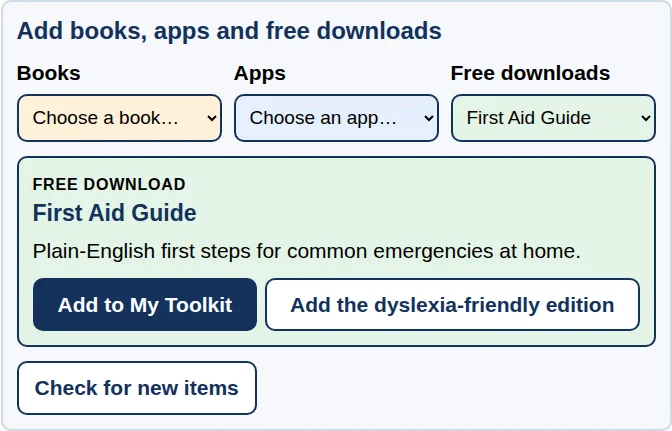
Scroll down to the second box, titled “Add books, apps and free downloads”.
Choose a free download
Under Free downloads, click “Choose a free download…” and click the one you want.
Add it, then open it
Click Add to My Toolkit, or Add the dyslexia-friendly edition for the dyslexia-friendly font. Then click Open, fill it in on screen, and save or print it.
Free game
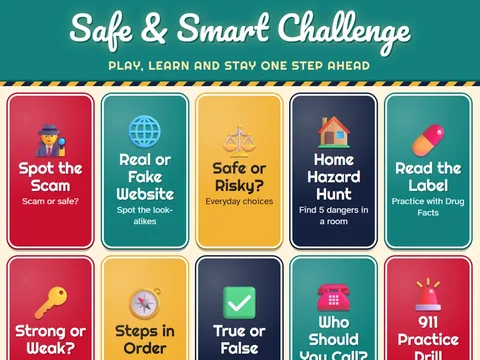
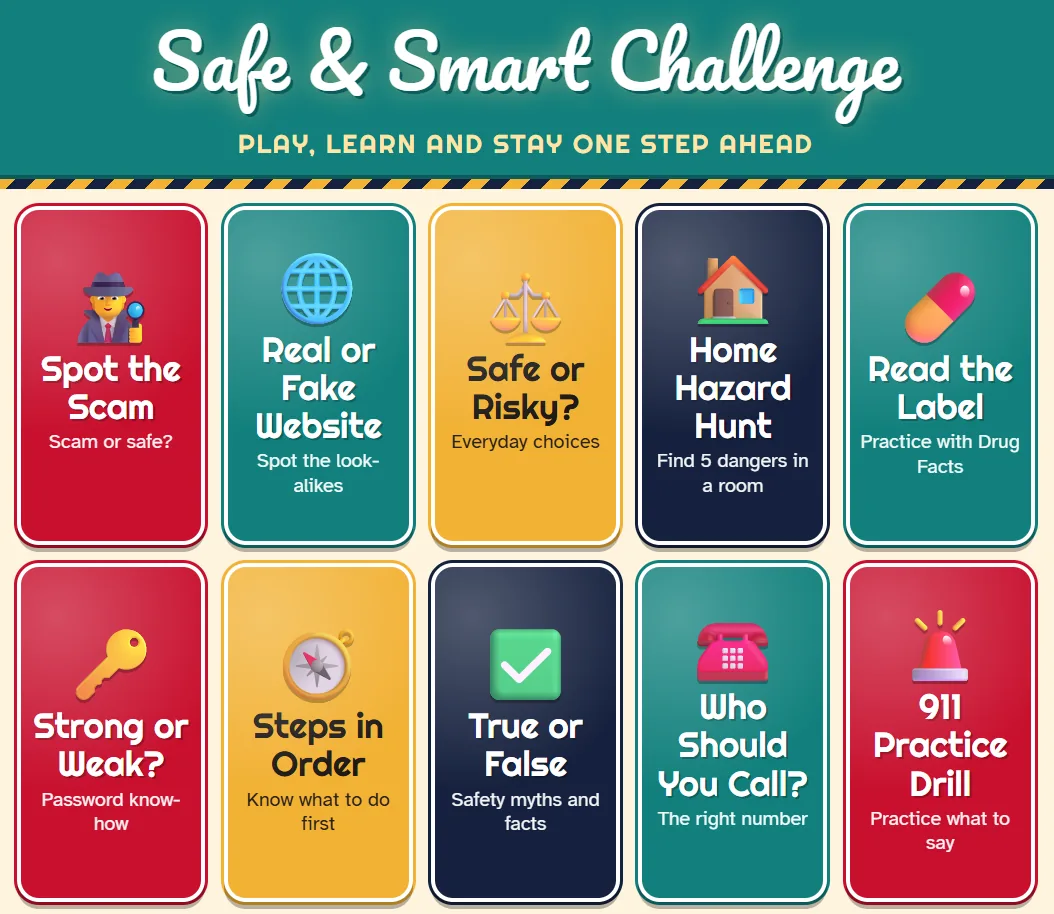
Safe and Smart Challenge
A fun way to learn how to lower everyday risks, so you can stay safe and independent for longer. These are some of the things you learn in the Stay Safe Series of books: Stay Safe in Any Emergency and Stay Safe at Home are available now, with more on the way.
Ten short games that make safety practice fun: spot the scam in a call, text or email, tell a real website from a fake one, find the hazards in a room, read a medicine label, check a password, put emergency steps in the right order, and practice what to say on a 911 call.
Play on your own or with family and friends, and have the questions read aloud if you like. Every answer shows where the advice comes from, such as the FTC, CDC, FBI, CISA or FDA. It is for learning, not a substitute for professional advice.
Free gentle exercise
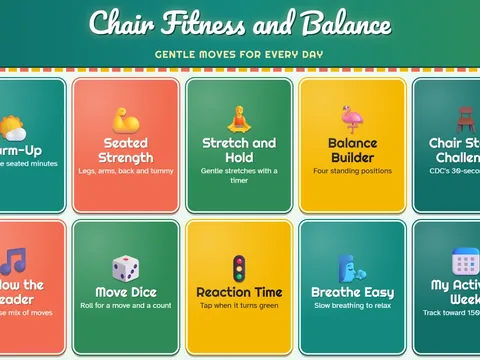
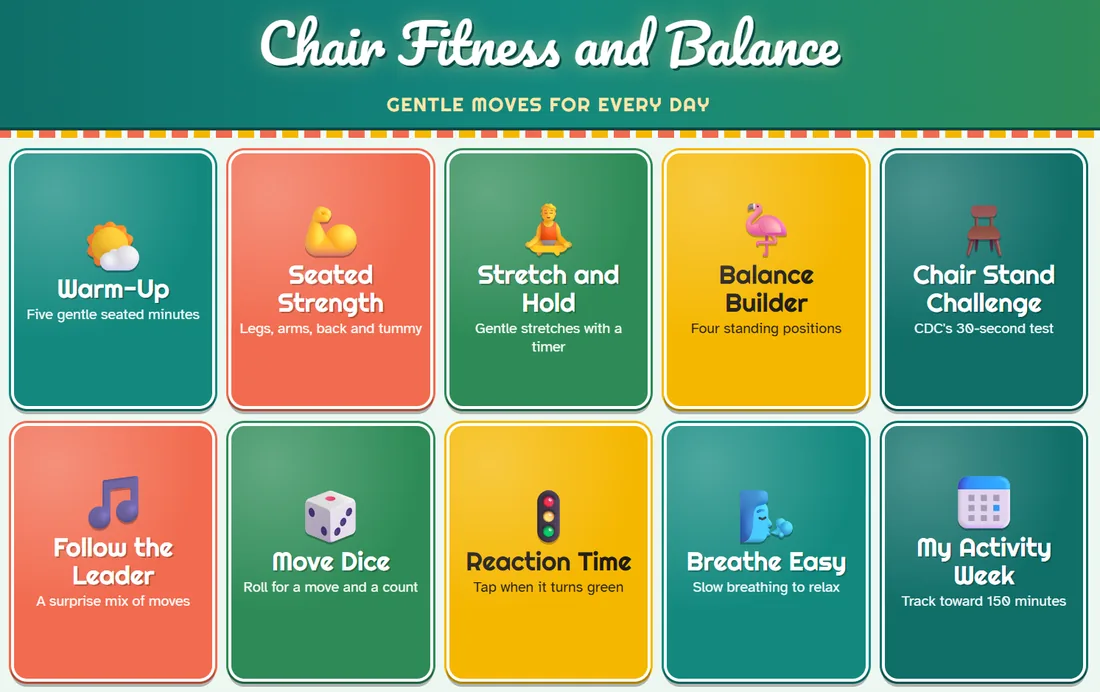
Daily Chair Fitness and Balance Exercises
Gentle moves for every day, most of them done sitting in a sturdy chair.
Ten guided activities: a five-minute warm-up, seated strength for legs, arms, back and tummy, gentle stretches with a timer, four standing balance positions, the CDC's 30-second chair stand test, a surprise mix of moves, move dice, a reaction game, slow breathing to relax, and a week planner that adds up your minutes.
Each activity explains every step, can read it aloud, and links to where the advice comes from: the National Institute on Aging, the CDC, Harvard Health and Cleveland Clinic. Start slowly, stop if anything hurts, and talk with your doctor if you have a health condition.
Stay Safe Stay Healthy: Book 7 of the Stay Safe Series, coming soon, covers strength and balance in more depth.
Free brain games
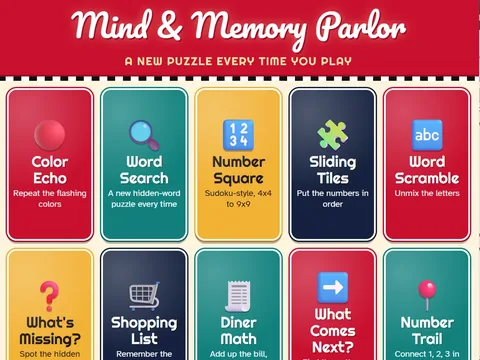
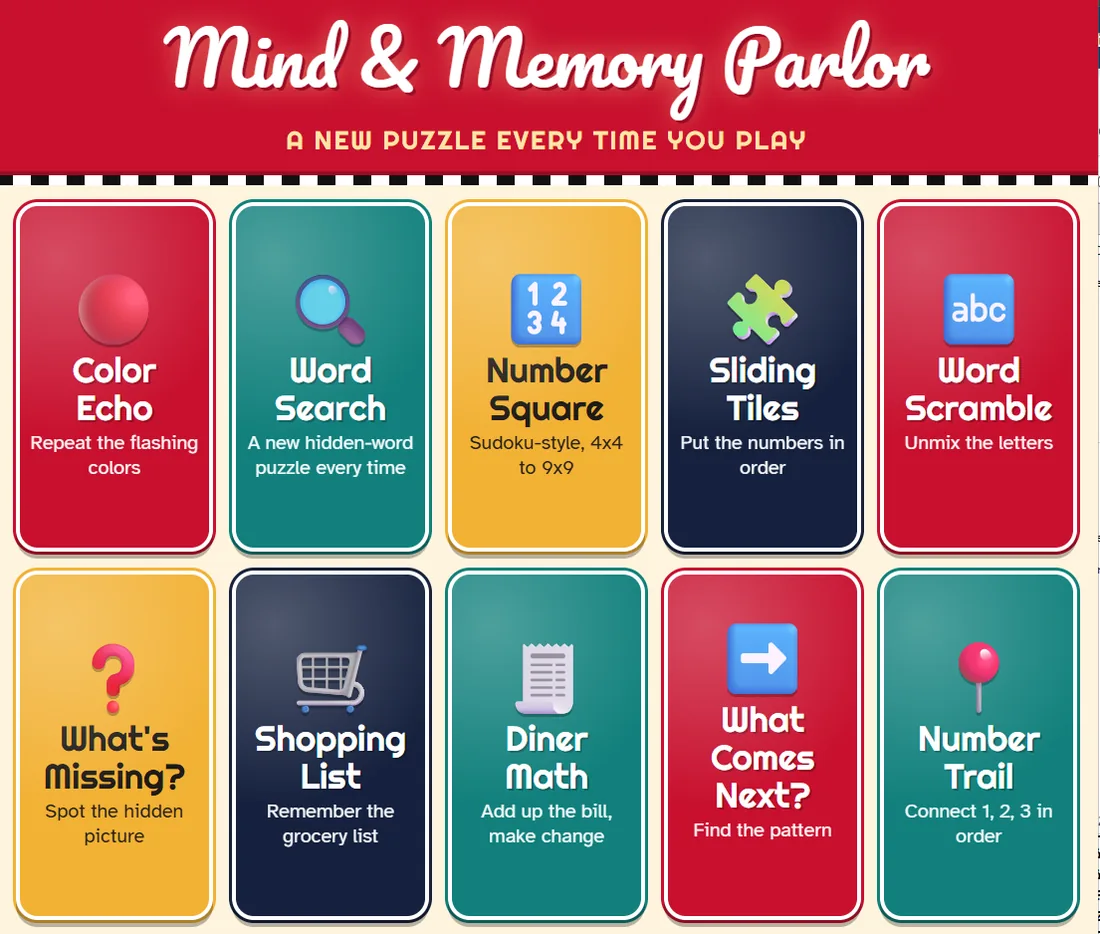
Daily Mind and Memory Exercises
A fresh puzzle every time you play, to keep your mind active and have some fun.
Ten puzzles and games for memory, attention and problem-solving: repeat the flashing colors, find the hidden words, solve a sudoku-style number square, slide the tiles into order, unmix the letters, spot what's missing, remember the shopping list, add up the diner bill, find the pattern, and join the numbers in order.
Every game starts with a new random puzzle, so there is always something fresh to enjoy. Several have easier and harder levels. Play on your own, or take turns with family and friends. They are for fun and practice, not medical treatment.
Stay Safe Stay Sharp: Book 5 of the Stay Safe Series, coming soon, sorts what research says about keeping your mind active from the hype.
Fall Prevention Checklist
Simple changes that lower the risk of a fall.
Add it to my Toolkit (opens in a new tab)
Dyslexia-friendly edition (opens in a new tab) · Open it on its own (opens in a new tab)
Fall-Risk Self-Check
A quick check of the most common fall risks, at home and in your daily routine.
Add it to my Toolkit (opens in a new tab)
Dyslexia-friendly edition (opens in a new tab) · Open it on its own (opens in a new tab)
ICE Wallet Card
An “in case of emergency” card to fill in, print and carry.
Add it to my Toolkit (opens in a new tab)
Dyslexia-friendly edition (opens in a new tab) · Open it on its own (opens in a new tab)
First Aid Guide
Plain-English first steps for common emergencies at home.
Add it to my Toolkit (opens in a new tab)
Dyslexia-friendly edition (opens in a new tab) · Open it on its own (opens in a new tab)
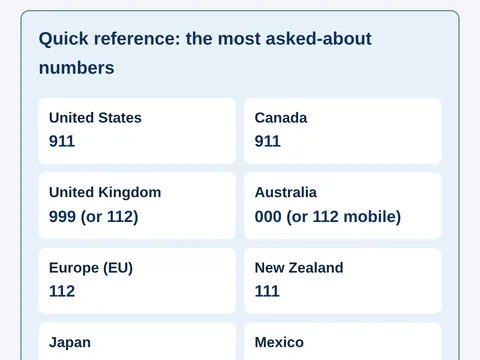
Global Emergency Numbers
The number to call in an emergency, country by country, for when you travel.
Add it to my Toolkit (opens in a new tab)
Dyslexia-friendly edition (opens in a new tab) · Open it on its own (opens in a new tab)
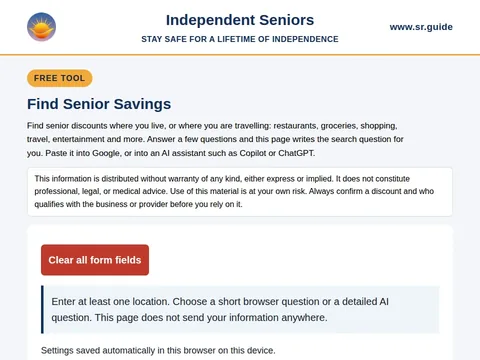
Senior Discount Finder
Find senior discounts on restaurants, groceries, shopping, travel and entertainment where you live or visit: it writes the search question for Google or an AI assistant.
Add it to my Toolkit (opens in a new tab)
Dyslexia-friendly edition (opens in a new tab) · Open it on its own (opens in a new tab)
Safe and Smart Challenge
Ten short games to practice spotting scams, staying safe at home and knowing what to do in an emergency. Every answer shows its source.
Daily Chair Fitness and Balance Exercises
Ten gentle activities for strength, flexibility, balance and calm, most done sitting in a sturdy chair. The steps come from the National Institute on Aging and the CDC.
Daily Mind and Memory Exercises
Ten puzzles and games for memory, attention and problem-solving, with a new puzzle every time you play.
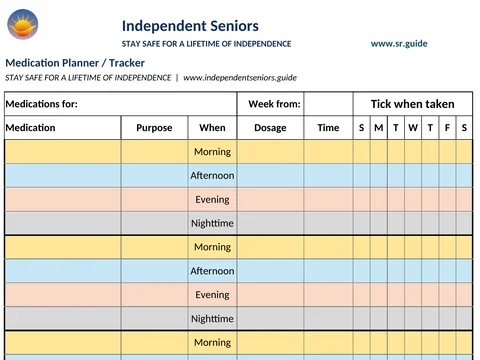
Medications Planner & Tracker (spreadsheet)
A weekly spreadsheet to plan your medicines and tick off each dose, for Excel or another spreadsheet app.
Goes hand in hand with the Health Record (free 30-day trial): the same idea, done for you. Your medicines and doses, ticked off each day, with your readings, an emergency information sheet and a History Report for your doctor, all kept on your own device.
The spreadsheet downloads, to open in Excel or another spreadsheet app. Buy a book or one of our tools and you get more: see Book 1, Book 2 and the Health Record.
Quick answers
Short, sourced answers to the questions we’re asked most, free to read here.
- How to prevent falls at home: The CDC’s proven steps, simple home fixes, and how to get up safely after a fall.
- Do I need a medical alert system?: Buttons, smartwatches and free options compared, what Medicare pays, and 10 questions to ask before you buy.
- Is this a scam? A 60-second check: Four quick questions for any call, text, email, letter or knock at the door, and what to do if you already paid.
- Medicare scams: how to spot them and what to do: Open Enrollment scams, the five most common tricks, and who to call.
- How to fall-proof a bathroom: Grab bars, non-slip mats, safe hot water, a shower chair and a way to call for help.
- Where should grab bars go?: The three places, how high, and how to fix them so they hold.
- How to keep a medication list: What to write down, how often to update it, and who to share it with.
- What to put on an emergency information sheet: One page that tells paramedics and family what they need to know.
- Scammed? What to do in the first hour: Who to call for each way you paid, how to protect your accounts, and where to report it.
- How to help a parent from a distance: What you can do from afar, talking with their doctors, and finding local help.
Hear about new books and everyday tools
We’ll email you when a new book or tool is ready, with occasional series news. Unsubscribe any time.
Email me about new books and everyday tools (opens in a new tab)
We send you one email first, to check the address is yours. Every email has a link to stop them. See our Privacy Policy.